No setup. Nothing to install. The file your AI just made becomes a real website at name.myhtml.site — one that can save data, accept uploads, go multiplayer, and use AI.
free to start · no credit card · see a live example →
The whole loop — a file in a folder to a site on the public internet.
Ask Claude, ChatGPT, or Cursor for a game, a tool, a gift — anything that fits in one HTML file. (Or write it yourself.)
Drag the file in and pick a name. Developers and AI agents can send sites from the terminal or API too.
A quick safety check, then it's on the real internet at your-name.myhtml.site.
Your page can save data, store files, go multiplayer, and use AI — nothing else to set up. Share the link with anyone.
One HTML file is enough for any of these — the saving, uploads, and AI come built in.
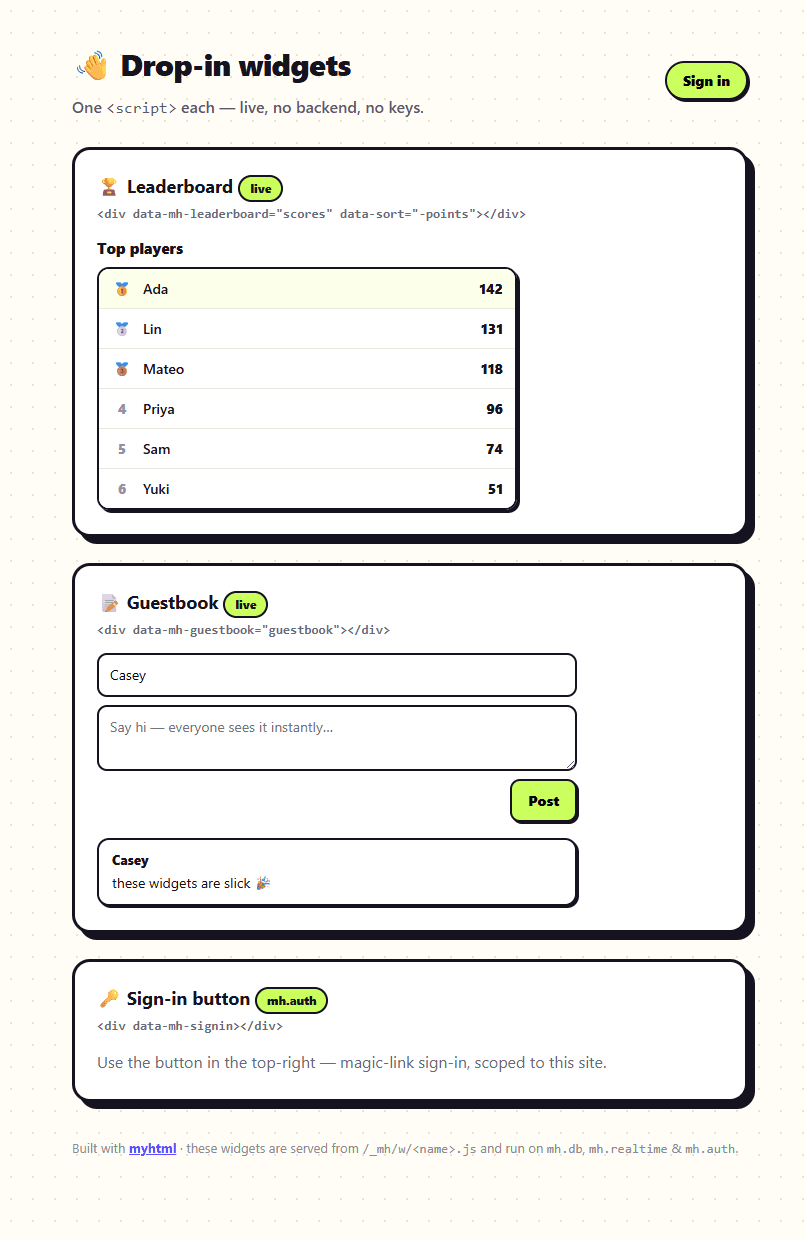
High scores save for everyone who plays — no backend to write.
Visitors leave messages and they stick around.
One clean link to share on your CV or socials.
A page that answers, roasts, or summarises — with no keys in your code.
A countdown, an invite, a birthday surprise for someone.
Collect emails or RSVPs straight from the page, export later.
Want proof? Open a real live site →
Normally, a page that saves anything needs servers, accounts, and secret keys. On myhtml, every page comes with safe built-in storage — high scores, guestbooks, sign-up lists — and there are no keys in your code for anyone to steal.
// No imports. No keys. It's just there.
const scores = mh.db.collection('scores');
// Save data straight from your page:
await scores.create({ player: 'alice', points: 42 });
// Read it back, sorted, live:
const top = await scores.list({ sort: '-points', limit: 10 });
// Per-visitor storage + file uploads, zero setup:
await mh.db.user.set('progress', { level: 7 });
const { url } = await mh.files.upload(file);Official, copy-paste widgets that run on your built-in backend — live, no keys. Add a <div> and it just works.
<!-- just add the div — the widget script auto-loads -->
<!-- a live leaderboard -->
<div data-mh-leaderboard="scores" data-sort="-points"></div>
<!-- a guestbook -->
<div data-mh-guestbook="guestbook"></div>
<!-- magic-link sign-in -->
<div data-mh-signin></div>
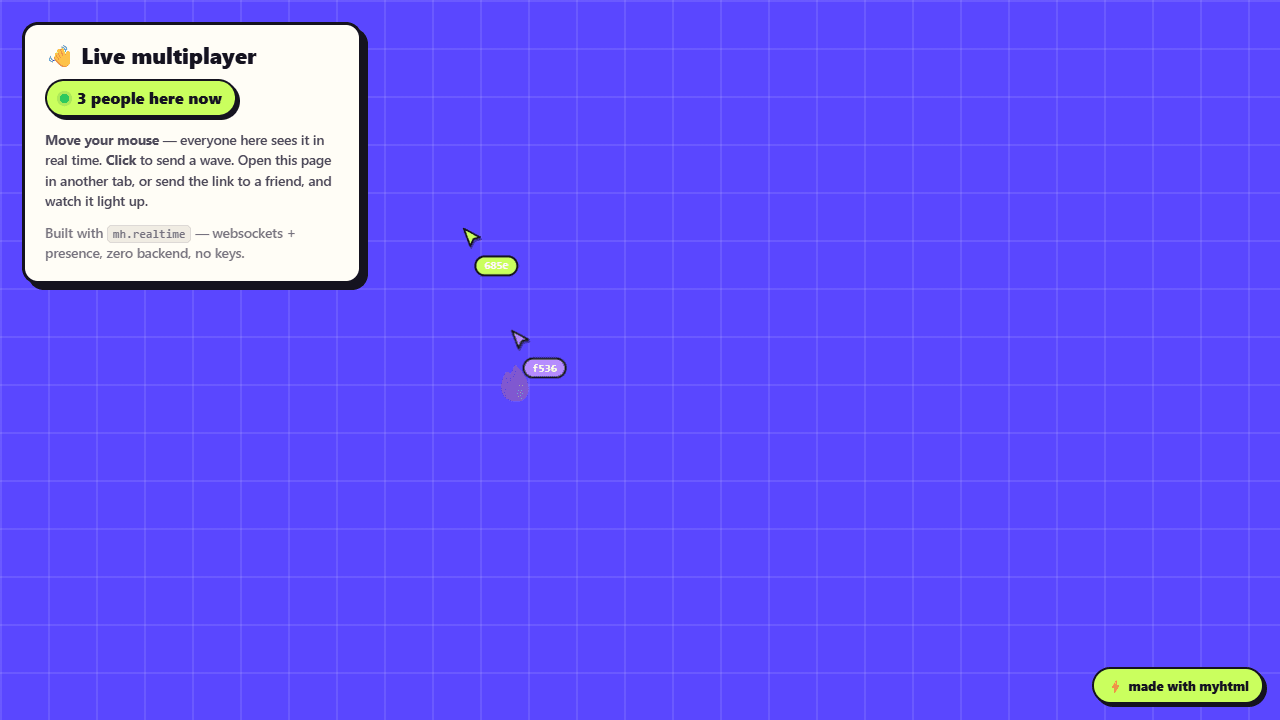
mh.realtime gives any page live cursors, presence, and instant updates — websockets and a backend, with nothing to host. The same primitive powers the widgets above.
👋 Try the live demo →
Hosting your pages costs us almost nothing — so for you it's free. Upgrade when you need more room.
Prices in USD (GST added for AU). Not happy in the first 7 days? Email us for a full refund. Cancel anytime from your dashboard — no lock-in.
Still unsure? Email hello@myhtml.io — a human replies. Wondering how we keep sites safe? See our security page →
No. If your AI assistant made you an HTML file, you can publish it. Drag it in, pick a name, and it's online — no install, no setup, no servers.
Yes. It gets a real address at your-name.myhtml.site that anyone with the link can open, with free HTTPS. You can delete it anytime, and paid plans can make sites private.
Indefinitely, as long as it follows our rules. We don't expire free sites for being popular; very inactive ones may be archived with notice.
No keys in your HTML. Every page comes with a built-in database, file storage, and AI that just work — and there's nothing in your code for a visitor to steal.
Yes. Claude, Cursor, Codex, OpenCode, Gemini and others can publish and update your sites through our MCP server, REST API, or the npx myhtml-cli command.
Yes — on paid plans you can connect your own domain (like yourname.com) with automatic HTTPS. Free sites get a your-name.myhtml.site address, also with HTTPS.
Free needs no card. Paid plans are billed monthly through Stripe (GST added for AU customers). Cancel anytime from your dashboard and keep access until the end of the period.
Every site gets HTTPS and runs on a global edge, and new free sites pass a quick automated safety check before going live. You own your data and can wipe any site instantly.
Wire it into your coding agent — pick yours:
claude mcp add --transport http myhtml https://mcp.myhtml.io/mcp --header "Authorization: Bearer mh_live_YOUR_KEY"Replace mh_live_YOUR_KEY with an API key from your dashboard.
Works with any MCP client — or use the REST API and npx myhtml-cli deploy from any terminal.